
Loading…

An office move has more moving parts than almost any other kind of relocation — not just furniture and boxes, but IT infrastructure, employee coordination, vendor and address updates, legal notifications, and a business that needs to keep functioning through all of it.
The businesses that get through an office move smoothly aren't the ones who work harder on moving day itself — they're the ones who built a proper checklist weeks in advance and worked through it systematically.
This guide is that checklist — organized by timeline, covering everything from the first planning conversation through the weeks after you've settled into your new space. Whether you're managing a small office move or coordinating a full corporate relocation, working through this list phase by phase will catch the details that get missed when everything's left until the final week.
This is the stage where the big decisions get made, and getting them right early saves enormous stress later.
Confirm your new space is genuinely ready, or will be by your target date. Before locking in a moving date, verify the new office's construction, furnishing, or renovation status realistically — not optimistically. A moving date set against an overly ambitious space-readiness timeline is one of the most common causes of last-minute chaos.
Assign an internal move coordinator. Someone within your organization — often a facilities or office manager — should own this checklist and be the single point of contact for your moving company, employees, and vendors throughout the process. Without one clear owner, tasks fall through the cracks.
Get a site survey and written quote from your moving company. For an office move, this should always be an in-person assessment (or at minimum a very detailed conversation with photos) rather than a phone estimate — the equipment, furniture volume, and access conditions at both locations genuinely need to be seen, not guessed at.
Set a realistic budget, accounting for moving costs, any new furniture or equipment needed at the new space, potential overlap in rent between old and new locations, and a contingency amount for unexpected costs — which, in an office move, are common enough to plan for rather than be surprised by.
Decide your moving day approach — full move in a single day (typically over a weekend), or a phased, department-by-department move if your business can't fully pause operations. This decision affects almost every other item in this checklist, so settle it early.
| Task | Owner/Responsible |
|---|---|
| Confirm new space readiness | Facilities/office manager |
| Assign internal move coordinator | Leadership |
| Get moving company site survey and quote | Move coordinator |
| Set moving budget | Finance/leadership |
| Decide single-day vs phased move | Leadership + move coordinator |
This is the stage most commonly rushed or forgotten, since it's less visibly urgent than physical packing — but the administrative side of a move genuinely needs this much lead time.
Notify your landlord according to your lease's notice period. Commercial lease notice periods vary by agreement, so check your specific lease terms rather than assuming a standard timeframe, and confirm any move-out obligations (restoring the space to its original condition, for instance) that might apply.
Update your business registration and licensing address where required. Depending on your business type, this may involve notifying relevant government offices of your new registered address — start this process early, since administrative processing can take time.
Notify your bank and financial institutions of your new address, particularly important for any business accounts, loans, or registered financial services tied to your current address.
Update your VAT/tax registration details if applicable, since business address changes can have tax registration implications depending on your business structure and location.
Notify key vendors, suppliers, and service providers. This includes your internet and phone service providers (who may need lead time to arrange service at the new location), utility providers, and any recurring suppliers who deliver to your office.
Inform your insurance provider of the upcoming move, since your business insurance policy may need updating to reflect the new location's coverage details.
Begin the process of transferring or setting up internet and phone service at the new location. This is one of the tasks most likely to cause a downtime problem if left too late, since service providers often need real lead time to install and activate connections at a new address.
| Task | Why It Needs Early Action |
|---|---|
| Landlord notice (current lease) | Notice periods can be 30-90+ days depending on lease terms |
| Business registration address update | Government processing takes time |
| Bank/financial institution address update | Affects account and service continuity |
| Internet/phone service at new location | Installation lead time can be substantial |
| Vendor and supplier notifications | Ensures deliveries and services aren't disrupted |
| Insurance provider notification | Coverage needs to reflect new location |
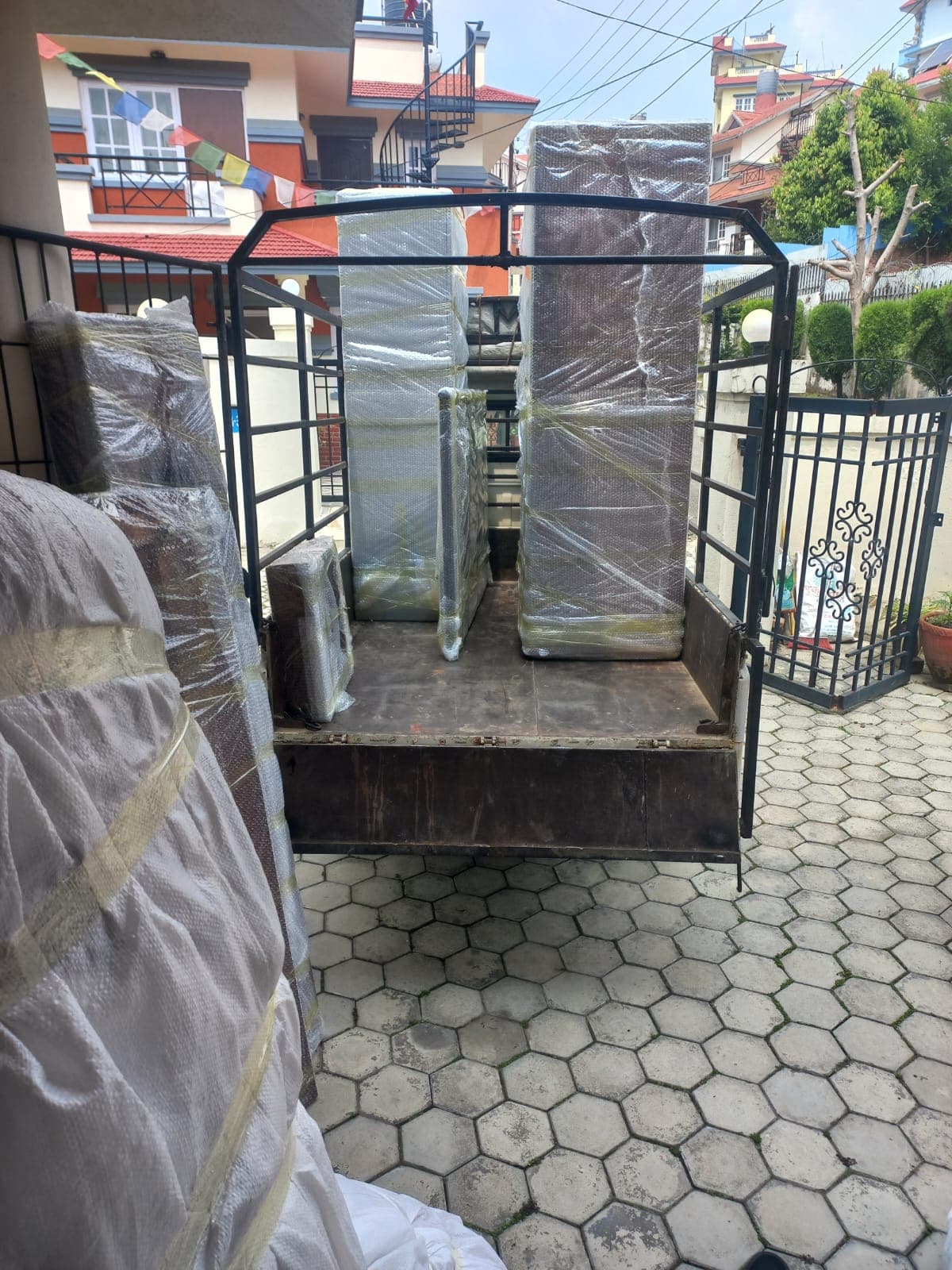
Employees need real lead time too, both practically and for morale reasons — a move that feels sudden or poorly communicated creates unnecessary anxiety and disruption.
This deserves its own dedicated phase, since IT continuity is often the single biggest determinant of how quickly a business is fully operational after a move.
Test critical systems at the new location before full operations resume. Once IT infrastructure is set up at the new site, test it thoroughly — internet speed, internal network functionality, phone systems, any specialized software or hardware dependencies — before declaring the office "ready."
| IT Task | Timing |
|---|---|
| Back up critical data | Before moving day |
| Plan and test network/server setup at new location | Before staff arrival, ideally days ahead |
| Photograph cable connections | Immediately before disconnection |
| Inventory IT equipment | 3-4 weeks before |
| Confirm anti-static packing with mover | When booking the move |
Create a floor plan for the new office. Deciding furniture and workstation placement in advance — rather than figuring it out on moving day — means the crew can place items directly where they belong instead of items being shuffled around later.
Decide what furniture and equipment is moving vs. being replaced. Older or damaged furniture, equipment that doesn't fit the new space's layout, or items no longer needed are worth identifying now, both to reduce moving costs and avoid unnecessary clutter at the new location.
Measure doorways, stairwells, and lift dimensions at both locations for any oversized furniture or equipment, to confirm it will actually fit through access points — a detail easy to overlook until moving day reveals a problem.
Arrange for disposal or donation of anything not moving. Plan this separately from your moving company's scope unless they specifically offer disposal services, since old furniture and equipment removal is often a distinct logistical task.
Confirm specialized equipment handling needs. If your office has anything beyond standard furniture and computers — specialized machinery, lab or medical equipment, printing equipment — flag this specifically with your mover, since it may require different handling than standard office relocation.
Update your business address on all external platforms and documents. This includes your website, Google Business listing, business cards, letterhead, invoices, and any printed materials referencing your current address.
Notify key clients and business partners of the upcoming move, particularly important for clients who visit your office in person or who need to know about any temporary service adjustments during the transition period.
Update your address with any professional or industry associations your business is registered with.
Notify your courier and delivery services of the new address, so incoming deliveries and outgoing shipments aren't disrupted during the transition.
Redirect mail if needed, particularly relevant if there's likely to be a gap where mail might still arrive at your old address after the move.
| Notification | Applies To |
|---|---|
| Website, Google Business, printed materials | All businesses |
| Clients and business partners | Especially client-facing businesses |
| Professional/industry associations | Businesses with formal registrations |
| Courier and delivery services | Any business receiving regular deliveries |
| Mail redirection | Any business with meaningful physical mail volume |
Reconfirm your moving date and crew arrival time with your moving company. A quick confirmation call or message a week or two out avoids any last-minute scheduling confusion.
Confirm building access requirements at both locations. Some buildings, particularly managed complexes, require advance notice or booking for lift use, and may restrict moving hours — confirm this at both your current and new location well before moving day, not the week of.
Finalize your employee communication with specific moving-day instructions. By this point, employees should know exactly what's expected of them — what to pack themselves, when to arrive at the new office, and what the first day back will look like.
Confirm parking and loading access for the moving vehicle at both locations, particularly important in areas with limited street parking or narrow access.
Do a final walkthrough of your floor plan for the new office with your moving company, so the crew knows exactly where furniture and equipment should be placed on arrival.
Prepare an essentials box or area — items needed immediately on the first day at the new office (basic supplies, chargers, any documents needed for day-one operations) — kept separate from the general moving load so it's immediately accessible.
Have employees pack their personal desk items and confidential documents. This should be a designated task with a clear deadline, not left to the last possible moment.
Complete final data backups. If time has passed since your initial backup, do a final backup closer to moving day to capture any recent changes.
Label everything clearly by department or zone, matching your floor plan, so unloading at the new office is organized rather than chaotic.
Confirm your IT team (internal or external) is ready to support the reconnection process at the new location, ideally with someone specifically responsible for getting systems operational before general staff arrival.
Do a final equipment inventory check against your earlier list, to confirm everything that should be moving is accounted for.
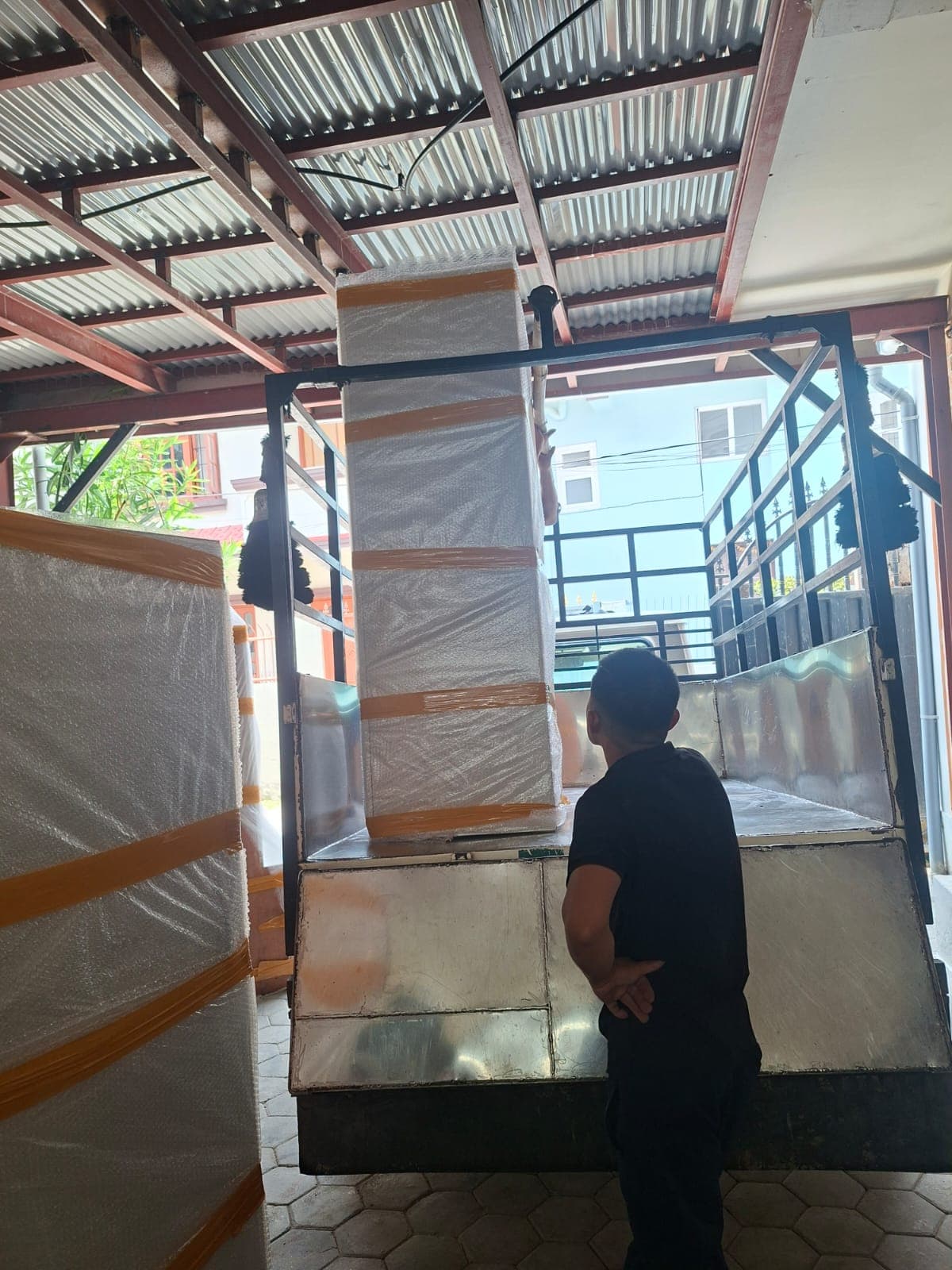
Do a walkthrough with the moving crew to confirm the plan, flag any last-minute special-handling items, and clarify the floor plan for placement at the new location.
Have your move coordinator present and reachable throughout the day, both at the old and new location if the timeline allows, to answer questions and make quick decisions as they come up.
Ensure IT infrastructure setup begins as early as possible at the new site — ideally before general furniture arrives, so connectivity is ready by the time staff or the bulk of equipment arrives.
Confirm building access arrangements are working as planned at both locations — lift bookings, parking, loading access.
Do a final walkthrough of the old office before leaving, checking every room, closet, and storage area for anything left behind.
Test all critical systems before declaring the office fully operational — internet, phone systems, any specialized software or equipment dependencies.
Confirm every employee knows their workstation location and has what they need to start working, referencing the floor plan established in advance.
Address any immediate issues quickly — a missing piece of furniture, an IT connectivity problem, anything that's blocking someone from working — with your move coordinator as the point person for resolving these.
Communicate any ongoing settling-in issues to the team honestly, since a full return to normal operations sometimes takes a day or two longer than the physical move itself, particularly for larger offices.
Complete any remaining address updates you didn't finish in the pre-move phase — this is a good time to double-check nothing was missed.
Confirm all vendor and service transitions completed successfully — deliveries arriving at the correct address, services activated and functioning as expected.
Gather employee feedback on the new space and transition process, both to address any lingering issues and to inform planning for any future moves.
Update any remaining printed materials or signage that referenced the old address.
Do a final review of your moving budget against actual costs, useful both for closing out this project and for informing planning if your business relocates again in the future.
Different kinds of offices carry slightly different checklist priorities worth flagging specifically:
| Office Type | Extra Considerations |
|---|---|
| Client-facing office (retail-adjacent, walk-in services) | Signage and public-facing address updates matter more; consider a transition period notice for walk-in clients |
| Server-heavy/tech office | IT setup and testing timeline needs the most lead time; consider a phased approach if full downtime isn't acceptable |
| Small office (under 10 staff) | Can often move in a single day with less formal phasing, but IT and address-update tasks still apply fully |
| Multi-department/larger corporate office | Phased, department-by-department moving is often necessary; requires more coordinators and a longer overall timeline |
| Specialized equipment office (labs, studios, workshops) | Equipment-specific handling needs should be discussed directly and specifically with your mover well in advance |
Since minimizing business disruption is the underlying goal behind much of this checklist, a few of the highest-impact points worth emphasizing:
Schedule the physical move for a weekend or after hours wherever possible, so staff return to a functioning office on the next working day rather than losing part of a workday to the move itself. Get IT infrastructure — internet, network, servers — set up and tested at the new location before general furniture and staff arrival.
For larger offices, consider a phased, department-by-department approach if full-business downtime isn't an option. And communicate the plan to employees early and clearly, so there's no confusion or lost time on moving day itself figuring out where to be or what to do.
A few specific things worth clarifying directly with whichever mover you choose, tied to this checklist:
Confirm they've genuinely handled office relocations before, not just household moves — the equipment sensitivity and coordination needs are meaningfully different. Ask specifically about their experience with IT and electronics handling — anti-static packing, cable labeling, careful transport of sensitive equipment. Confirm weekend or after-hours scheduling availability if that's part of your downtime-minimization plan.
Get a written quote based on an actual site survey, not a phone estimate, given how much office moves can vary in complexity. And ask about their damage and liability policy specifically for business equipment, given the value typically involved.
Nepal City Packers and Movers approaches office relocations with exactly this checklist mindset — a proper site survey, anti-static and careful handling for IT equipment, flexible scheduling to minimize business downtime, and coordination around your floor plan so furniture and equipment go directly where they belong at the new location, rather than needing to be rearranged afterward.
For a quick, scannable reference pulling every item together:
6-8 weeks before:
4-6 weeks before:
3-4 weeks before:
2-3 weeks before:
1-2 weeks before:
Days before:
Moving day:
First day back:
Weeks after:

How far in advance should I start planning an office move?
6 to 8 weeks is a reasonable starting point for most offices, giving enough time for a proper site survey, IT planning, and all the notification and administrative tasks that need real lead time. Larger or more complex offices may benefit from starting even earlier.
What's the most commonly forgotten item on an office moving checklist?
Administrative and legal notifications — updating business registration addresses, notifying financial institutions, and transitioning internet/phone service — are often left too late since they feel less urgent than physical packing, but many of them need real lead time to process.
Do I need to notify government offices about my business address change?
Depending on your business type and registration, yes — start this process early, since administrative processing for address updates can take time. Confirm the specific requirements that apply to your business structure.
How much lead time does internet and phone service transition typically need?
This varies by provider and location, but it's one of the tasks most likely to cause a downtime problem if left too late — starting this process 4-6 weeks ahead, rather than assuming it can be arranged quickly, is the safer approach.
Should the office move happen on a weekday or a weekend?
A weekend or after-hours move is generally preferred, since it lets employees return to a fully functioning office on the next working day rather than losing part of a workday to the move itself.
What should employees be responsible for packing themselves?
Typically their own personal desk items and any confidential documents they're personally responsible for. This should be communicated clearly with a specific deadline, not left as a vague, last-minute expectation.
How is sensitive IT equipment protected during an office move?
Through anti-static packing materials specifically (standard cardboard and paper aren't sufficient), careful labeling of cable connections and setups before disconnection, and ideally testing the new location's network and server setup before general furniture and staff arrival.
What if our business can't fully pause operations during the move?
A phased, department-by-department approach is a common solution — moving one team or department at a time so part of the business continues functioning while another portion relocates, rather than a single all-at-once move.
Do we need to update our address with clients, or just internally?
Both matter, but external notification — website, Google Business listing, printed materials, and direct notice to key clients and partners, especially those who visit your office in person — is easy to underestimate in importance and should be planned into your timeline, not treated as an afterthought.
How long does it typically take to be fully operational after an office move?
The physical move itself often takes a single day for a mid-sized office, but full operational readiness — including IT testing and employees settling into their new workstations — can extend a day or two longer, particularly for offices with more extensive IT infrastructure.
What should be in a "day-one essentials" box or area for the new office?
Basic supplies, chargers, and any documents or materials needed for immediate day-one operations — kept separate from the general moving load so they're accessible right away rather than buried among general boxes.
Does Nepal City Packers and Movers help with the physical logistics side of this checklist, or just the move itself?
Nepal City Packers and Movers focuses on the physical relocation — site survey, anti-static IT equipment handling, furniture and equipment transport, and placement according to your floor plan — working alongside your internal move coordinator, who typically owns the administrative, legal, and employee-communication items on this checklist that fall outside a mover's direct scope.
An office move goes smoothly not because any single day is handled perfectly, but because the weeks of preparation before it were handled systematically.
Work through this checklist phase by phase, starting as early as your timeline allows, and when it's time for the physical move itself, Nepal City Packers and Movers can handle the logistics — properly protected IT equipment, furniture placed according to your floor plan, and a crew that understands what "minimizing downtime" actually requires.

Nepal City Packers and Movers
Share:
Explore Our Range of Moving & Logistics Services

Experience fast and reliable domestic and international courier services with Nepal City Packers and Movers. Secure delivery for all your packages, locally and globally!

Explore additional services by Nepal City Packers and Movers, including loading, unloading, parking assistance, and more. Tailored solutions for all your needs!

Explore reliable two-wheeler transport services by Nepal City Packers and Movers. Safe, secure, and timely bike transportation locally or across Nepal. Contact us today!
 Nepal City Packers and Movers - Banepa, Kavre
 Top Packers and Movers - Bouddha, Kathmandu
 Professional Packers and Movers - Balaju, Kathmandu
 Reliable and Affordable Packers and Movers - Baluwatar, Kathmandu
 Top-Rated Packers and Movers - Maharajgunj, Kathmandu
 Leading Packing and Moving Service | Nepal City Packers and Movers - Durbarmarga, Kathmandu
 Nepal city packers and movers - Lalitpur, Nepal
 Nepal City Packers and Movers - Thimi, Bhaktapur
 Reliable Packers and Movers - Kupandole, Lalitpur
 Affordable and Reliable Packers and Movers - kalanki, Kathmandu